skin.club Rollback Tutorial — Step by Step
2/2/2026
skin.club has the cleanest UX of the 4 sites I use. fast deposit, fast withdrawal, and case battles fill in under a minute. their detection is slightly more aware than CSGO-Skins — about 40% of my losing accounts eventually flip to negative balance after a few days — but that doesn’t matter as long as those accounts were emptied before the reversal. here’s the full process.
how skin.club handles deposits
balance credits within 20-60 seconds of Steam trade completion. their backend treats deposits as finalized once the trade confirms, and while they do run a daily batch check on reversed trades, it only affects balance (not your already-withdrawn skins).
what you need
- case battle: 4 Steam accounts with MA active 15+ days, ~$300 each in liquid skins
- single-account: 1 Steam account, ~$300 in liquid skins
- 4 skin.club accounts (fresh email each, 1:1 with Steam)
- phone verification: skin.club requires phone verification for withdrawals over $100. grab virtual numbers at $1-2 each.
method 1 — case battle (4 accounts)
step 1: setup
on each skin.club account:
- register with fresh email
- link Steam
- verify phone number (virtual number works fine)
- confirm “Withdraw” button is active
step 2: deposit simultaneously
stagger the 4 deposits by 30-60 seconds each:
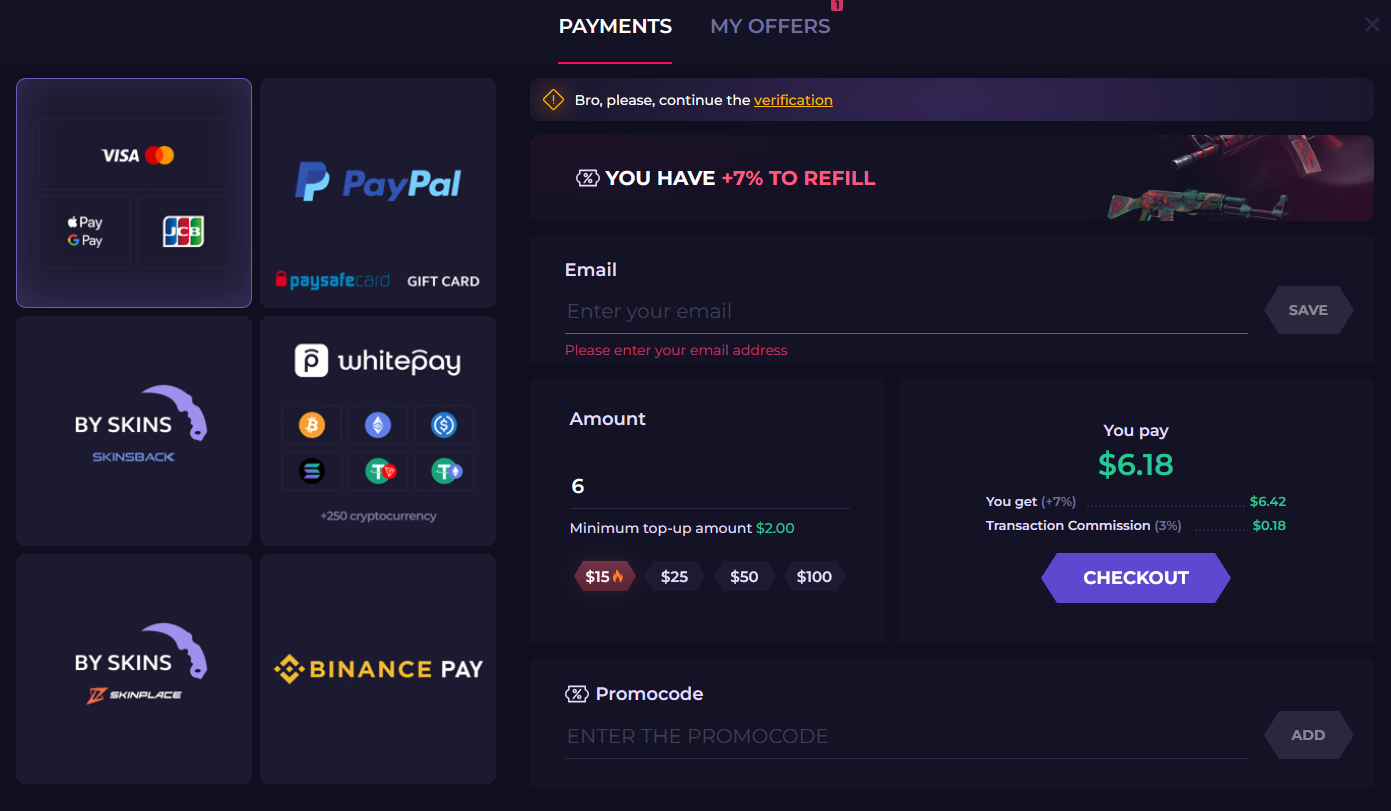
- Wallet → Deposit → Steam Skins
- select items, confirm, accept Steam trade offer
- balance shows up within a minute
step 3: create the battle
- top nav → Case Battles
- Create Battle → 1v1v1v1 (4 players)
- pick the cheapest low-variance cases on the site
- set Private with invite link
- send the link to the other 3 accounts

step 4: run the battle
accounts 2-4 join via invite. start. battle runs in ~60 seconds. one of your accounts wins the pool.
step 5: winner withdraws
on the winning skin.club account:
- Withdraw page
- browse available skins (skin.club has great inventory, usually items close to real market price)
- select items to match full balance
- accept all Steam trade offers on Steam
step 6: losing accounts reverse on day 5-6
on each losing Steam account:
- Steam → Trade History
- trigger the reversal
- confirm the 30-day trade ban
the winning account must NOT reverse. Steam reverses all trades in the window at once. reversing from the winning account would also reverse the withdrawal, sending the skins back. only the losing accounts reverse.
step 7: what happens on skin.club’s end
- balance on losing accounts stays at $0 immediately after (already emptied during play)
- 2-5 days later, skin.club detects and bans losing accounts — same as every other site. not your problem — withdrawal is already done, nothing to claw back.
- winning account’s withdrawal is locked in; skin.club has never attempted to reverse a completed withdrawal in any of my cycles
- about half the losing accounts are banned within 2 weeks. again, irrelevant — the skins are out.
method 2 — single account
step 1: deposit
same as step 2 above. balance credits fast.
step 2: play
skin.club has good solo case openings. for single-account play I prefer:
- pick 5-6 low-risk cases at ~$20-50 each
- open them sequentially
- if you hit above deposit value → stop, withdraw, done
- if you’re under after all cases → reverse the deposit on day 5-6
step 3: decide
- up → withdraw profit, do not reverse. Steam reverses all trades in the window at once — if you reverse here, it also reverses your withdrawal.
- down → withdraw whatever balance remains in skins, then reverse deposit on day 5-6 for your original skins back
my skin.club numbers
| method | cycles | total deposited | total returned | net profit |
|---|---|---|---|---|
| case battle | 3 | $3,600 | $6,055 | +$2,455 |
| single-account | 7 | $2,100 | $3,285 | +$1,185 |
| total | 10 | $5,700 | $9,340 | +$3,640 |
timeline
- day 0: 4-account battle + winner withdraw, or single-account play
- days 1-4: chill
- day 5-6: losing accounts (or single losing session) reverse deposit trade
- days 2-14: skin.club detects and bans loser accounts eventually → negative balance on those accounts (doesn’t matter)
- day 30-37: Steam trade bans clear
site-specific notes
- skin.club’s phone verification is strict — don’t reuse virtual numbers across accounts. they will link.
- withdrawal delays occasionally pop up for accounts with >$500 balance. split large withdrawals into 2-3 smaller ones if you hit this.
- don’t play more than low-variance on the winning account’s remaining balance before withdrawing. big variance spikes can draw attention.
how it stacks up
| factor | CSGO-Skins | skin.club | G4Skins | Hellcase |
|---|---|---|---|---|
| credit speed | 30s | 30-60s | 1-3 min | 30s |
| detection rate | fast | medium | slow | slow |
| case battle UX | great | best | good | solid |
| phone verification | no | yes | yes | yes |
| best for | max profit | smoothest UX | reliable batches | account reuse |
skin.club is my #2 because of the batch detection, but the UX is genuinely the best of the four. if CSGO-Skins is down or flagging your accounts for any reason, skin.club is the immediate backup.